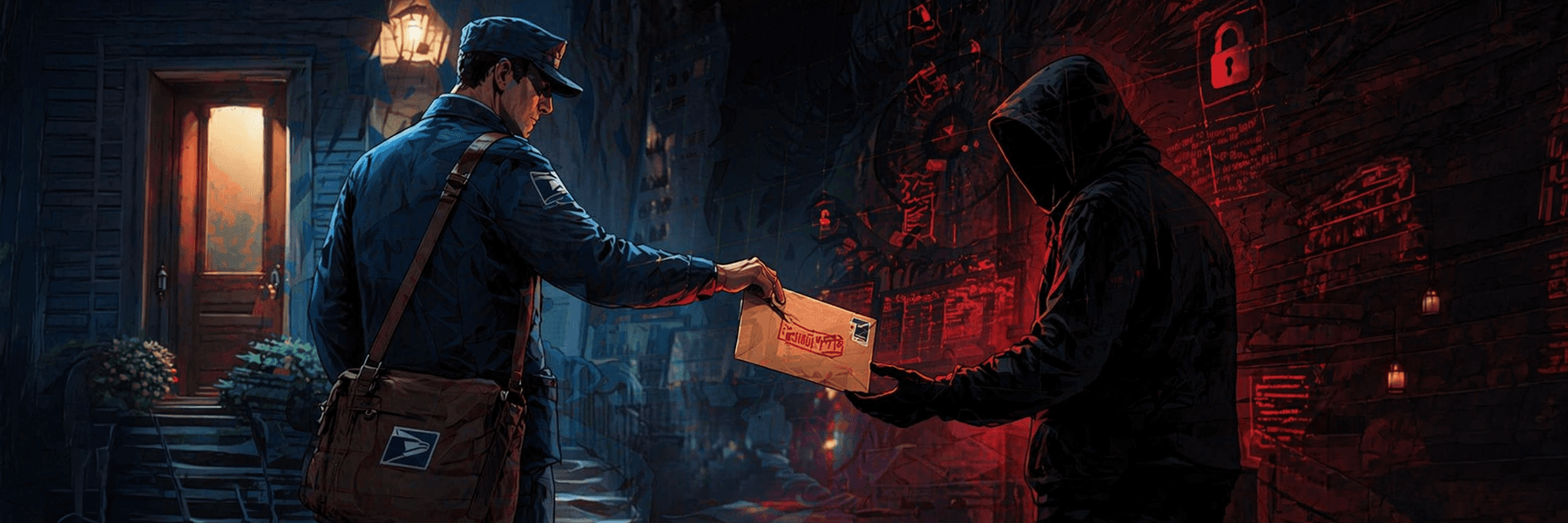
It looked harmless.
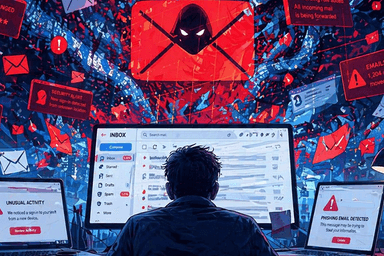
The subject line read: “Urgent: Confirm Your Account Before Suspension.”
The sender appeared to be a service provider she used almost every week. The logo looked right. The wording sounded professional. There was even a polite countdown warning her that if she did not act within 24 hours, her account could be restricted.
She was busy, distracted, and already having a long day.
So she clicked.
For a few seconds, everything looked normal. A login page opened. Clean design. Familiar branding. Nothing seemed out of place. But something felt slightly off, not enough to trigger panic, just enough to create hesitation. She paused, looked at the email address again, and noticed one small difference: one extra letter in the domain name.
That was the moment she closed the page.
It was not a real security alert. It was a trap.
And that is how many email risks begin, not with drama, but with something ordinary.
Why This Matters More Than Most People Think
Email has become so normal that many people no longer treat it with the caution it deserves. We open messages while walking, working, eating, multitasking, and rushing through the day. That convenience is exactly what makes email powerful and dangerous.
For most people, email is connected to nearly everything:
- bank notifications
- password resets
- work updates
- invoices
- legal documents
- cloud accounts
- shopping platforms
- social media accounts
Your email is not just a communication tool. It is often the front door to your digital life.
That is why attackers keep targeting it.
Email Is Simple to Use — But Easy to Underestimate
At first glance, email seems straightforward. You write a message, send it, receive replies, attach files, and move on. But behind that simplicity is something much bigger: trust.
Every email asks you to trust something:
- the sender
- the link
- the attachment
- the urgency
- the request
And that trust is exactly where many problems begin.
Cybercriminals do not always need advanced systems to compromise people. Often, they just need someone to click too quickly.
The Most Common Email Risks
Let’s move from the story into the mechanics.
Not every suspicious email looks suspicious. In fact, many of the most dangerous emails are designed to look polished, professional, and familiar.
1. Phishing Emails
These are messages designed to trick you into giving away information, especially passwords or financial details.
They often use:
- fake urgency
- fake warnings
- account alerts
- delivery updates
- payment issues
- login requests
The message may say something is wrong. The goal is to make you act before you think.
2. Malicious Links
A link may appear to lead to a trusted site, but actually send you elsewhere. Some attackers use shortened or misleading URLs to hide the real destination.
3. Dangerous Attachments
An attachment may look like:
- an invoice
- a document
- a PDF
- a spreadsheet
- a contract
But opening it could trigger malware, spyware, or credential theft.
4. Spoofed Senders
Sometimes the display name is familiar, but the actual email address is false. A message may appear to come from your boss, bank, vendor, or client, when it does not.
5. Business Email Compromise
In professional settings, attackers may impersonate executives, finance staff, or service providers to request urgent payments or confidential documents.
Why People Still Fall for These Emails
Because the emails are not always ridiculous.
They are often carefully designed to match real behavior:
- people expect account alerts
- people receive invoices
- people click meeting links
- people trust recognisable logos
- people respond faster under pressure
In other words, email scams work because they imitate normal life.
What Safe Email Use Looks Like
Good email habits are not about paranoia. They are about discipline.
Here are some practical habits that reduce risk:
Pause Before Clicking
If an email creates urgency, slow down. Urgency is often part of the trap.
Check the Sender Carefully
Do not only read the display name. Look at the full email address.
Hover Over Links
Before clicking, check where the link actually goes.
Be Careful With Attachments
If you were not expecting the file, verify it first.
Use Strong Passwords
Your email password should be unique and difficult to guess.
Turn On Two-Factor Authentication
This adds another layer of protection if your password is ever exposed.
Keep Your Devices Updated
Security patches matter. Old software creates opportunities for attackers.
What Is CC in Email?
Now let’s move to the communication side of email.
CC means Carbon Copy.
It is used when you want to send a copy of your email to someone who is not the primary recipient, but should still be informed.
Example:
You send a report to a client and CC your team lead so they remain aware of the discussion.
Important Detail:
Everyone included in the message can usually see who is in the CC field.
Use CC when:
- transparency matters
- someone needs visibility
- a colleague should stay informed
- you want open communication
CC is useful, but it should be used carefully. Too many copied recipients can create clutter, confusion, or unnecessary exposure.
What Is BCC in Email?
BCC means Blind Carbon Copy.
Like CC, it sends a copy of the email to another person. But unlike CC, other recipients cannot see who was included in BCC.
Example:
You send an update to a group of clients and use BCC so each person’s email address remains private.
Use BCC when:
- protecting people’s privacy
- sending group emails
- avoiding unnecessary exposure of recipient addresses
Why BCC Matters
BCC is not just a convenience feature. It is also a privacy tool.
If you send an email to many unrelated people and place them all in CC, everyone can see everyone else’s email address. In some cases, that is unprofessional. In other cases, it can become a privacy issue.
CC vs BCC: The Smarter Way to Use Both
Here is the simplest way to think about it:
- CC = visible copy
- BCC = hidden copy
Use CC when visibility is useful.
Use BCC when privacy is necessary.
That small choice can make your emails safer and more respectful.
The Mistakes That Cause Trouble
A lot of email-related problems come from habits that seem minor at the time.
Common mistakes include:
- clicking before checking
- trusting a familiar logo too quickly
- sending group emails through CC instead of BCC
- reusing passwords
- opening unexpected attachments
- ignoring login alerts
- replying in haste
The problem is not always lack of intelligence. Often, it is lack of pause.
Final Thoughts
Email remains one of the most useful tools in modern life and one of the easiest to misuse. That does not mean people should fear it. It means they should respect it.
A careful user is harder to deceive.
If you understand the role email plays in your digital life, recognise the warning signs of suspicious messages, and know how features like CC and BCC actually work, you are already in a stronger position than many users.
And sometimes, that moment of pause, that extra glance at a sender address, that second look before clicking is the difference between a normal day and a serious problem.